Miscellaneous Main Community Made AssetsOriginal BackgroundsOriginal GraphicsLlamathon 2023 AssetsV-Buck AssetsBest of 2023 Lobby Backgrounds. PC only: Go to %localappdata% -> FortniteGame -> Saved (if there is a saved button) -> PreviewedDownloadDir -> CMS -> C28. and choose the background lobby png, right click on it, go to edit in paint 3d, insert, choose the png you want to replace the lobby background with, resize it to the background lobby dimensions and save. Now you should be having your own background lobby. I switched.

Fortnite Chapter 2 Season 11 Map Leaked 2019new Map

How to play Fortnite Battle Royale crossplatform with iOS, Android

Fortnite Battle Royale HD Wallpaper

Epic games fortnite lasopatour

Fortnite Battle Royale HD Wallpaper
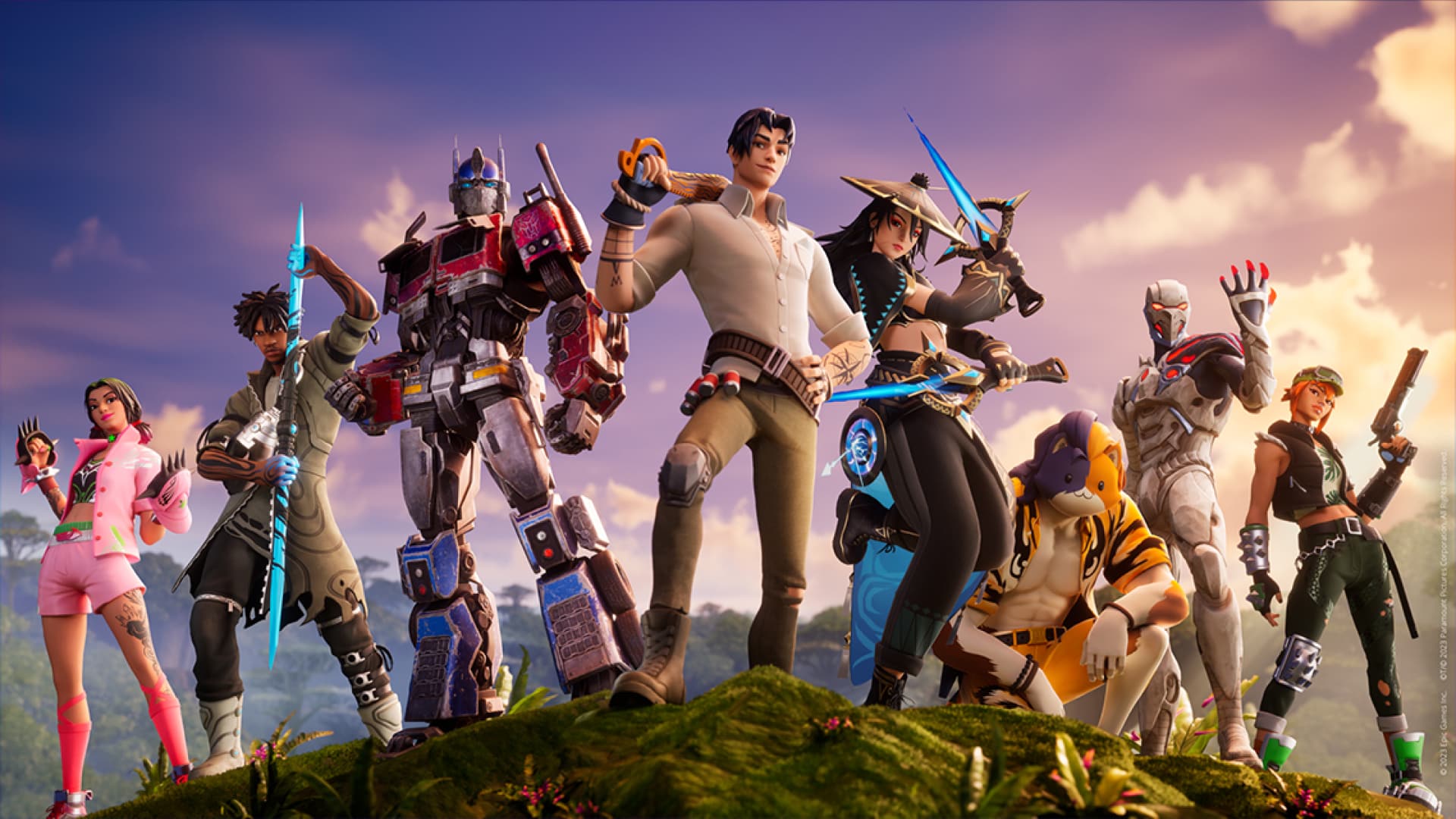
Fortnite The Portal

Fortnite Ultimate Game Truck

Fortnite pictures caqwedouble

Fortnite Global Player Count Fortnite Zone

Fortnite Chapter 4 goes live with new gameplay Smartprix

Cómo iniciarte en el mundo de Fortnite
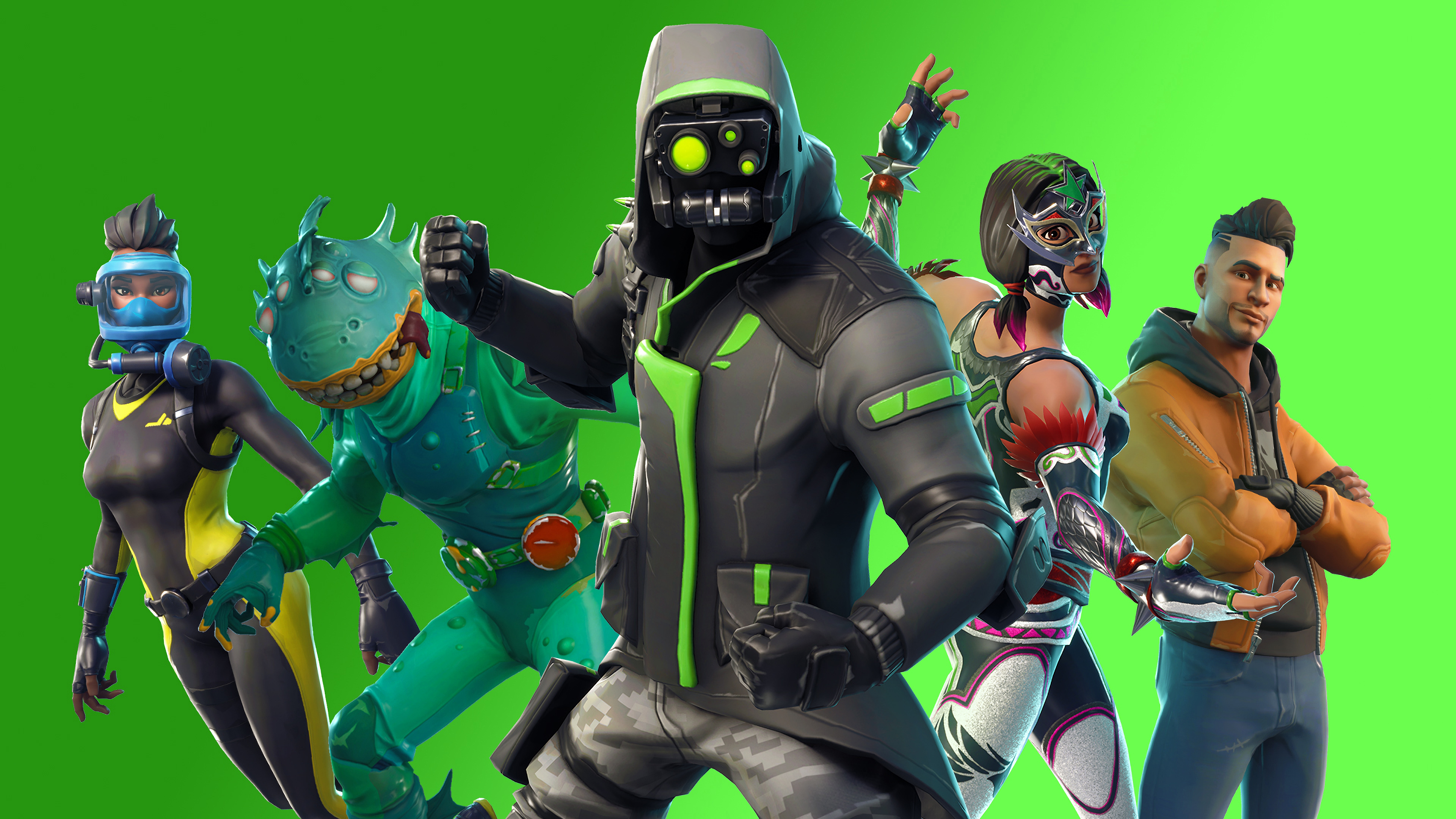
Fortnite Battle Royale Season 6 Wallpaper,HD Games Wallpapers,4k

Fortnite
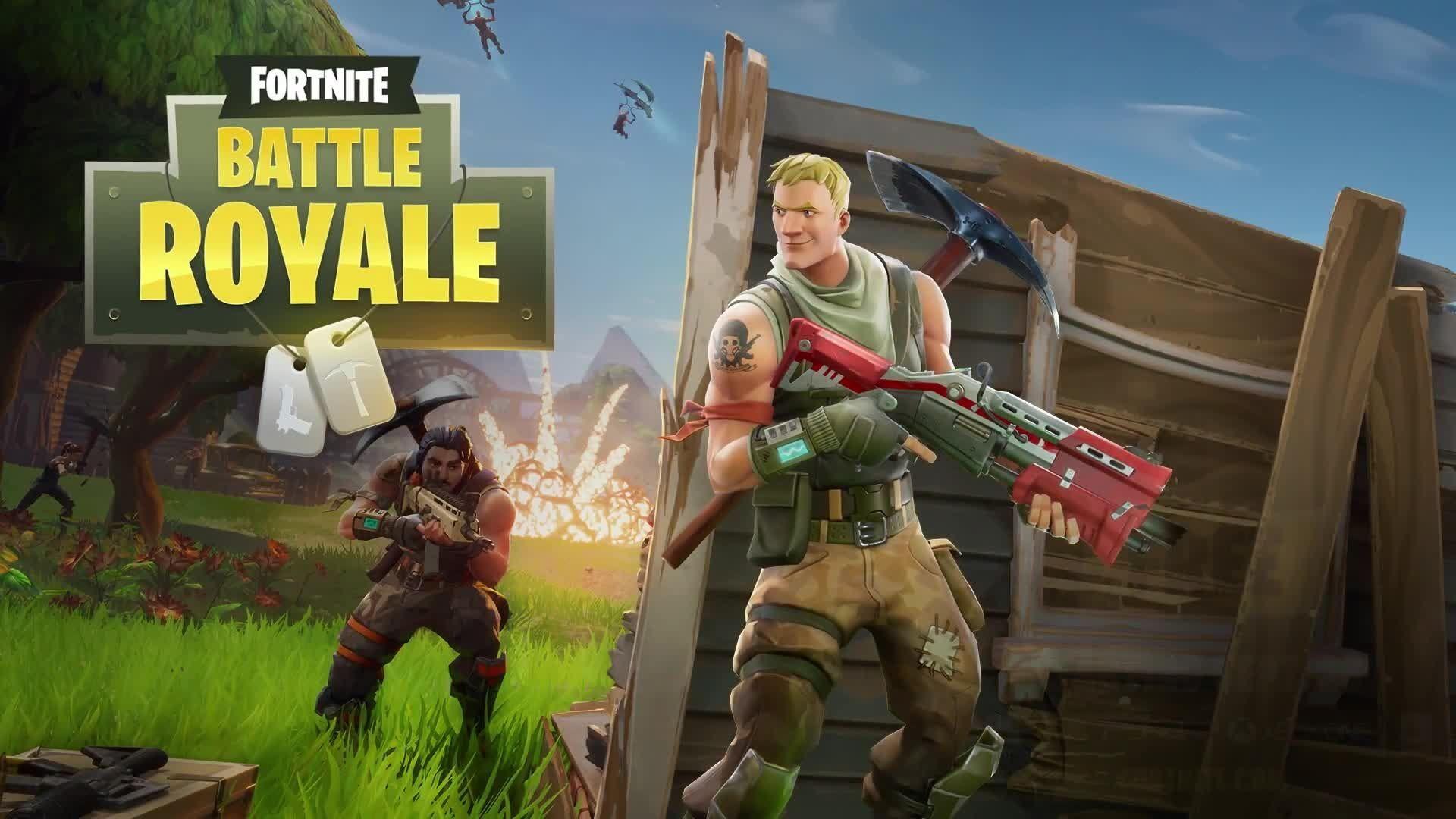
Fortnite Battle Royale PC Wallpapers Top Free Fortnite Battle Royale

Fortnite IGN

Fortnite Crea, juega y combate gratis con amigos en Fortnite
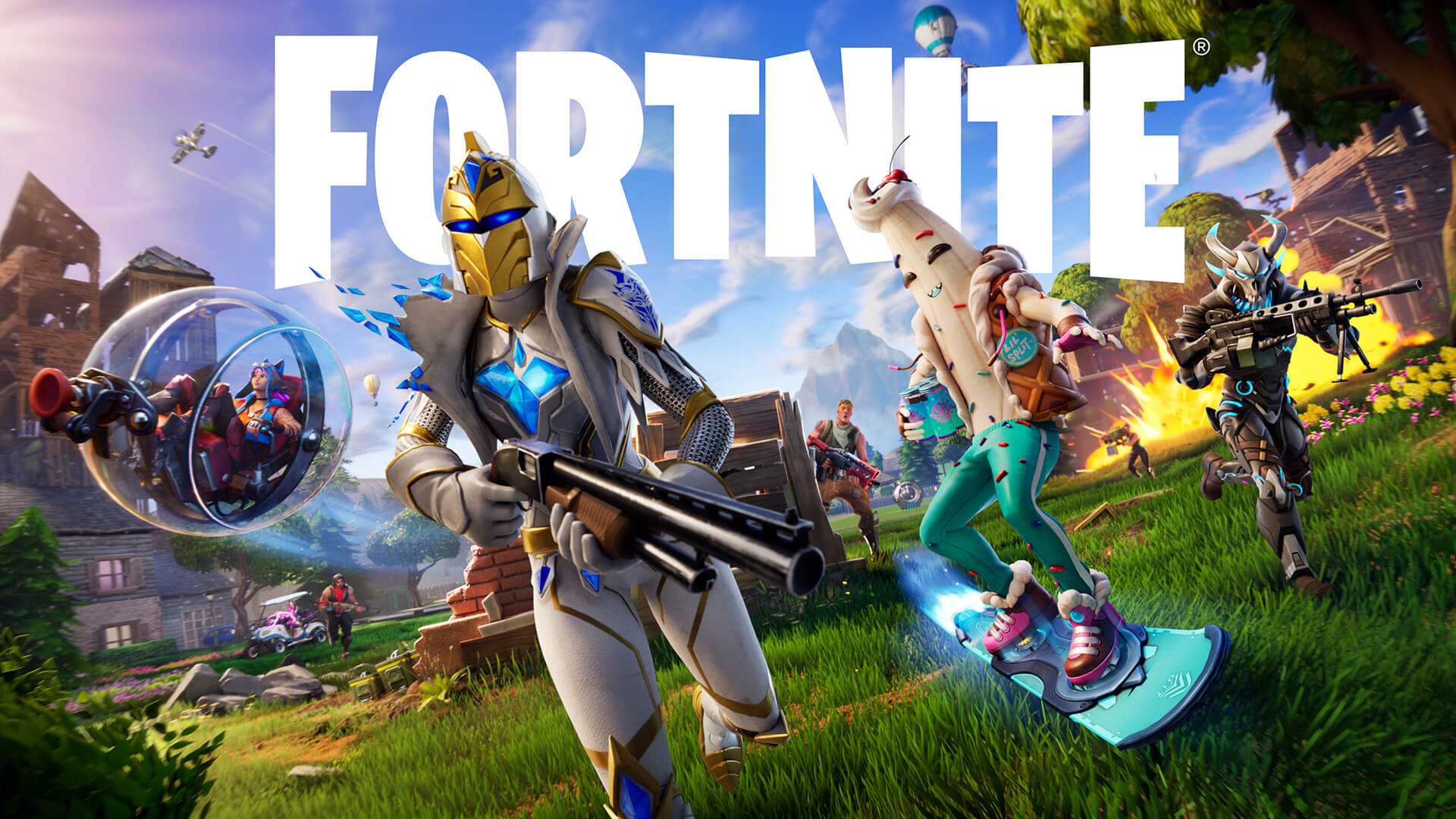
Fortnite OG Drop Back into Battle Royale Chapter 1!

Fortnite A Cultural Phenomenon fondamayora

Fortnite Chapter 4 Season 3 Start Time When Will Fortnite Servers Be

Fortnite OG adds back Tilted Towers, shopping carts and more classic
Category page B File:Blitz Royale (MEGA City) – Lobby Background – Fortnite.jpg C File:Chapter 2 Remix – Lobby Background – Fortnite.jpg File:Chapter 2 Season 2 (Device) – Lobby Background – Fortnite.jpg. Create a custom lobby background image for your Fortnite Creative island in Fortnite Creative or Unreal Editor for Fortnite (UEFN).